Migration
For migrating from 0.15.1 release to 0.16.0 release must follow the below steps:
User must install
0.16.0in the new path as a fresh install.The deploy directory should be similar as shown below after installation.
/dep/dashboard

| - sts/

| - | - uploads/

| - | - config.yaml

| - docker-compose-TOOLS.yaml

| - docker-compose.yaml
Then the user must copy
docker-compose-TOOLS.yamlto old deployed directory using below commands.$ cp docker-compose-TOOLS.yaml /opt/meg-vas/0.15.1/deploy/Once copied, user must run tools backup, to backup the state of the old version.
noteRun
docker image ls -a, and look formeghcomputing/tools:0.16.0image exists in the local docker repository before running the backup.$ docker-compose -f docker-compose-TOOLS.yaml up tools-backupThis will create a
mongodb-<TIMESTAMP>.tar.gzfile under<WHERE-EVER>/deploy/sts.Once the backup file is created, user can download this file to the local system.
Now, user can bring up dockers on 0.16
<WHERE-EVER-0.16.0>/dashboard/docker-compose upThen user can traverse to web GUI.User will see the below page on the UI.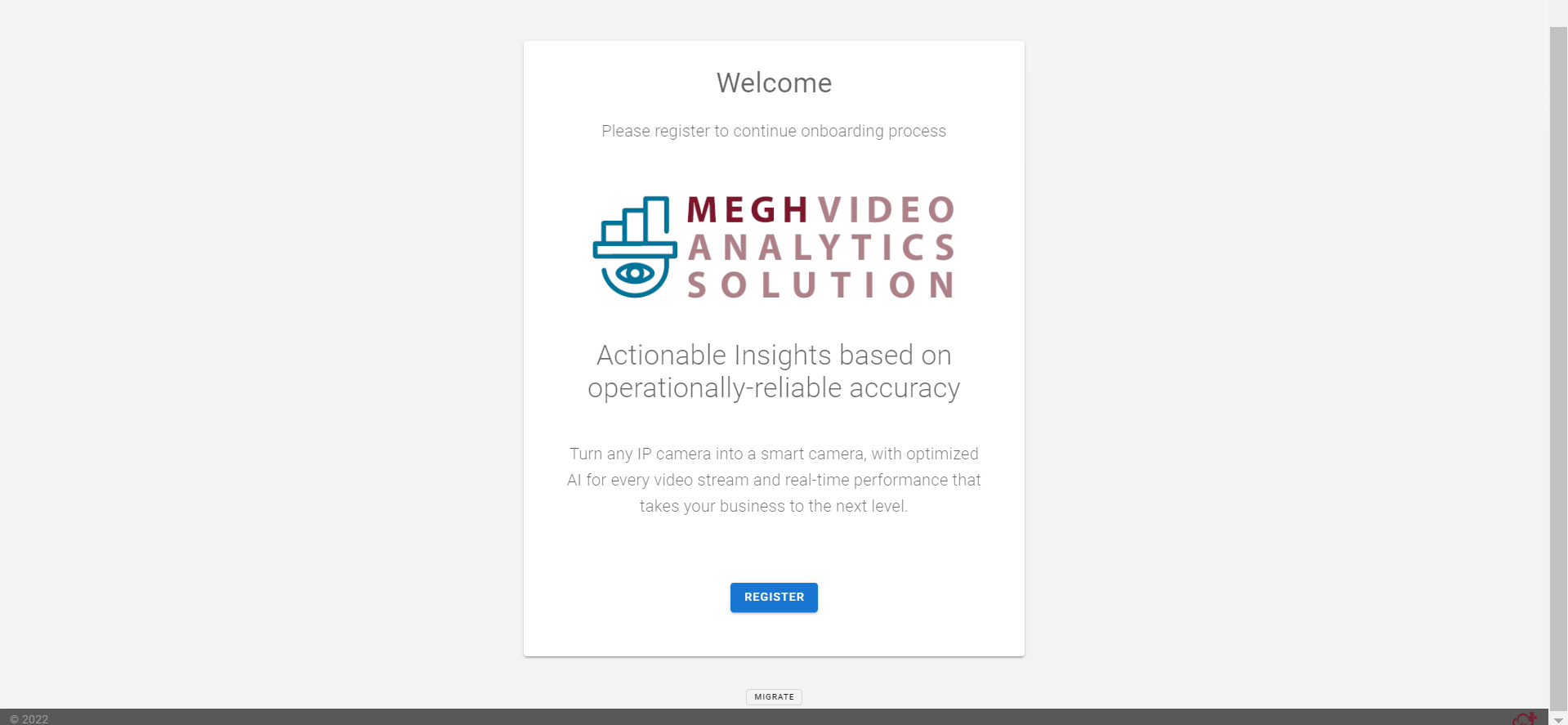
User must click on the migrate option at the bottom of the page. First , user will be presented with a backup command.As user has already done that, user can proceed by clicking on
ContinueNow, in the restore option, user must browse the downloaded
mongodb-<TIMESTAMP>.tar.gzfile. Follow through the process. This will restart STS automatically.Once the restore process is successful. User should just
LogoutandLoginand should see all the old data restored in the new release setup.
After restore and login. For every site, the time-zone is defaulted to
Europe/DublinUser must change it to appropriate relative site time-zone by using Site/Update.As this is a manual upgrade, site images in
.png&.jpegformat under the<deploy>/sts/uploads/imagesmust be copied manually by user to<deploy-0.16>/dashboard/sts/uploads/images